Portal Chat
Portal provides an integrated chat feature for real-time communication between users. Chat functionality is primarily configured through Admin Settings rather than requiring custom development.
Overview
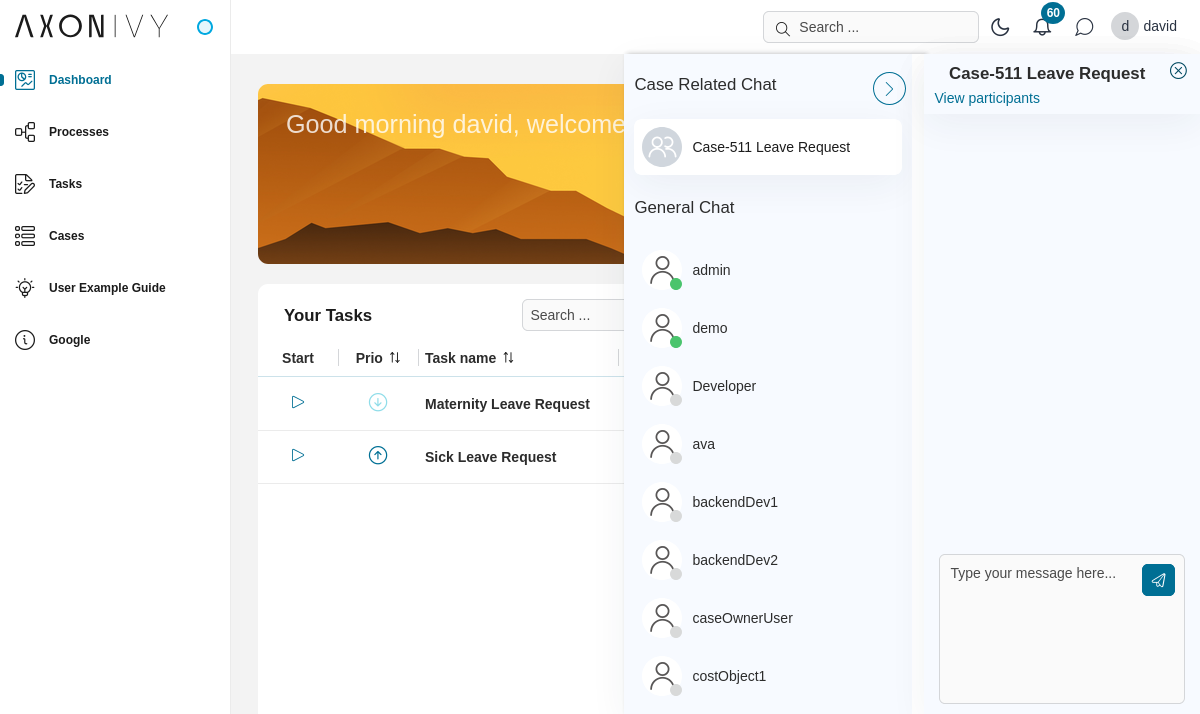
Configuration
For end-user instructions on activating and using Portal Chat, see the Portal Chat User Guide.
Key Configuration Settings:
Setting |
Purpose |
|---|---|
Portal.Chat.Enabled |
Enable or disable chat feature |
Portal.Chat.ResponseTimeout |
Long-polling timeout (important for reverse proxies) |
Portal.Chat.MaxConnection |
Maximum concurrent chat connections per user |
Configure these settings in Admin Settings.
Technical Considerations
Reverse Proxy Configuration
If browsers access Portal through a reverse proxy like Nginx, set Portal.Chat.ResponseTimeout to less than the proxy timeout (usually 60 seconds) to prevent connection abortions.
Browser Connection Limits
Each browser tab uses one long-polling request for chat. Browsers typically limit parallel long-polling requests per domain (usually 6 or more).
Portal handles this with the Portal.Chat.MaxConnection setting (default: 3):
When a fourth tab opens, chat in one inactive tab is deactivated
Selecting a deactivated tab refreshes all chat information and reactivates chat
If more than MaxConnection tabs remain open, chat in another tab deactivates
Tomcat Valve Configuration
If your system uses an additional Tomcat Valve, add asyncSupported in Context.xml. See File Reference for details.
<Context>
  <Valve className="..." asyncSupported="true" />
</Context>
Limitations
Single-Application Scope
Portal Chat does not support cross-application chat. Users can chat with other users in the current application, but cannot chat with users in other applications within the same security context.
Note
Chat operates within application boundaries. For multi-application deployments, each application maintains its own separate chat context.